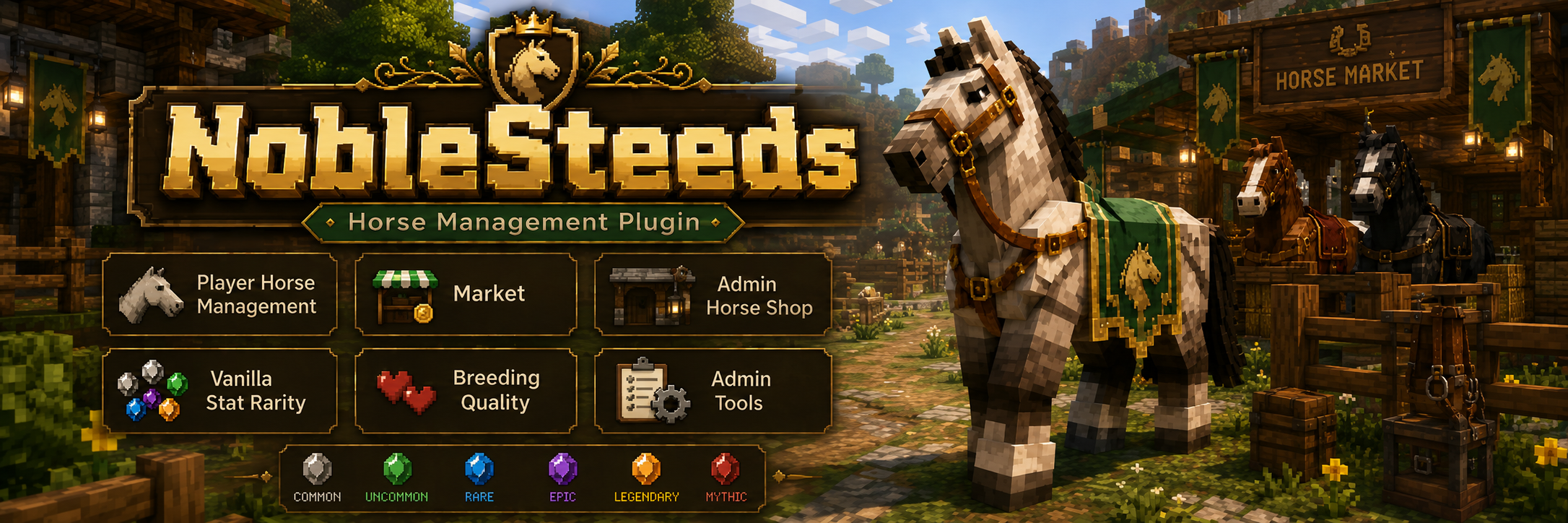
NobleSteeds includes the Free mount ownership workflow and adds network mode,
Redis/MySQL coordination, cross-backend safety, player market, admin shop, Citizens NPC
access, Vault economy support, item-currency payouts, and optional MailboxGUI delivery.
Wiki sections
Pro Overview
Wiki Version: NobleSteeds 1.0.0-b Pro
This page is based on the bundled NobleSteeds 1.0.0-b plugin.yml, config.yml,
network/config.yml, and English language file. The Free and Pro JARs found in the
website project are byte-identical resource bundles, so this page documents the Pro
systems visible in those shared resources and keeps Free-only documentation separate.
Pro is for servers that need more than local mount claiming.
Use Pro for Velocity-style backend networks, Redis coordination, shared MySQL storage,
market listings, admin-created shop mounts, Citizens NPC access points, and advanced
admin diagnostics.
Upgrading from Free
Stop the server and back up plugins/NobleSteeds/.
Back up the database if using SQLite or MySQL.
Install the Pro JAR in place of the Free JAR.
Start once to verify config and language files.
Enable Pro systems intentionally. Do not enable network mode, market, shop, or NPCs until dependencies are ready.
Test with staff accounts before opening player access.
Storage conversion and network mode are operational changes. Treat them like database
migrations: back up first, test on staging, then roll out during maintenance.
Installation
Plugin name: NobleSteeds.
Version inspected: 1.0.0-b.
Bukkit API version declared by the JAR: 1.18.
Soft dependencies declared by the JAR: Vault, Citizens, and MailboxGUI.
Network settings live in plugins/NobleSteeds/network/config.yml.
Dependency Planning
Vault plus an economy plugin is required for normal money-based market/shop use.
Citizens is required for Storage, Market, and Shop NPC access points.
MailboxGUI is optional for money mail and package payout delivery.
Redis and MySQL/MariaDB are required for network mode.
Network Setup
Network mode coordinates NobleSteeds across backend servers behind a proxy. The bundled
network config says normal single-server installs should leave network mode disabled.
Redis is used for backend-to-backend coordination. Configure host, port, optional
username/password, SSL, timeout, and the network-calls channel in
network/config.yml. Keep Redis private to your server network and use
credentials when it is not local-only.
MySQL / Storage Setup
Network mode expects MySQL/MariaDB in the main config.yml. The same
database and table prefix should be used by each backend in the same NobleSteeds
network.
Server IDs and Backends
Every backend needs a unique network.server-id. This ID is used for
stable location routing, cross-backend mount safety, market payout routing,
MailboxGUI payout routing, and loaded mount ownership checks.
Network Diagnostics
Use /ns admin network to view readiness, mode, server ID, storage
requirement, Redis host/channel, messenger status, spawn safety manager, give/trade
manager, timeout, coverage checks, and config file path.
Cross-Backend Safety
Pro network safety protects against duplicate mount spawning and remote loaded-mount
conflicts. When one backend needs to call, restore, transfer, or sell a mount, Redis
coordination allows other backends to save/despawn or refresh state first.
Market
Market Setup
The bundled config enables the market by default, requires economy by default, enables
/ns market, supports optional Market NPC access, and defines listing
expiration plus min/default/max price limits.
Players with noblesteeds.market can open the market, browse listings,
list an active or stored owned mount, choose a money or item-currency price where
enabled, view their listings, remove listings, buy eligible listings, and claim
item-currency payouts with /ns market receive.
Admin Market Management
Admin tools include market listing review and removal. The language bundle includes
stale owner checks so staff can identify listings where the seller no longer matches
the saved mount owner.
Market Payouts
Money payouts normally use Vault. The config can send money sale payouts through
MailboxGUI money mail, and item-currency payouts can be delivered through MailboxGUI
package mail when enabled. If MailboxGUI is unavailable, NobleSteeds safely falls back
to normal payout behavior.
Shop
Shop Setup
The admin-created shop is separate from the player market. The bundled config enables
the shop and /ns shop by default and requires Vault economy for normal
money purchases.
Player Shop
Players use /ns shop to browse staff-created mount entries and purchase
a mount when they have funds and an available active claim slot. If claim fails after
payment, the language bundle notes that the payment is refunded if payment was taken.
Admin Shop Management
Staff create entries with /ns admin shop add, list entries with
/ns admin shop list, and remove entries with
/ns admin shop remove <shopId>. Shop entries can define variant,
speed, jump, health, breeding quality, price, and name.
Citizens NPCs
Citizens is optional. If Citizens is missing, NPC registration is unavailable but the
rest of NobleSteeds still works.
Citizens NPC Setup
Install Citizens and restart the backend.
Create the NPCs you want players to use.
Open the NobleSteeds admin NPC registration tools.
Select Storage, Market, or Shop access and right-click the Citizens NPC to register it.
Test the NPC as a player with the matching command permission.
Storage NPC
Storage NPCs open the mount storage GUI. This can be useful if /ns storage is disabled and storage should only be available in specific server locations.
Market NPC
Market NPCs open the player market when market and economy requirements are satisfied.
Shop NPC
Shop NPCs open the NobleSteeds shop when the shop is enabled and economy requirements are satisfied.
Manage Registered NPCs
The registered NPC management flow lets admins inspect and remove registered Citizens NPC IDs without editing data files manually.
Vault and Economy
Vault is optional for the plugin overall, but market, shop, and paid revive features
require Vault unless the feature is disabled or item-currency is being used where
supported. If Vault/economy is missing, market and shop menus can show unavailable or
hidden states instead of exposing broken purchase flows.
MailboxGUI Integration
The JAR declares MailboxGUI as a soft dependency and includes a MailboxGUI hook. The
config supports MailboxGUI money mail for market sale payouts and MailboxGUI package
mail for item-currency payouts. Keep these settings disabled until MailboxGUI is
installed, compatible, and tested.
Optional Vault revive cost with score and rarity multipliers.
rarity
Stat ranges, weights, and tiers used by market, shop, info, and management displays.
updates
Website update checker and release channel.
Pro Screenshots
NobleSteeds screenshots are served locally from /assets/wiki/1.0.0/.
Missing files are shown as pending cards instead of loading private repository or GitHub
URLs.
Screenshot pending upload
Main NobleSteeds menu
Screenshot pending upload
My Horses menu
Screenshot pending upload
Horse manage menu
Screenshot pending upload
Favorite toggle
Screenshot pending upload
Rename flow
Screenshot pending upload
Call success
Screenshot pending upload
Stable menu
Screenshot pending upload
Store horse menu
Screenshot pending upload
Stored horse detail
Screenshot pending upload
Share menu
Screenshot pending upload
Share player select
Screenshot pending upload
Receive transfers menu
Screenshot pending upload
Receive transfer detail
Screenshot pending upload
Revive confirmation
Screenshot pending upload
Release confirmation
Screenshot pending upload
Market browse
Screenshot pending upload
List horse on market
Screenshot pending upload
Market price menu
Screenshot pending upload
My market listings
Screenshot pending upload
Shop menu
Screenshot pending upload
Rarity display
Screenshot pending upload
Breeding quality display
Screenshot pending upload
Admin tools menu
Screenshot pending upload
Admin horse tools
Screenshot pending upload
Admin shop menu
Screenshot pending upload
Admin shop entry detail
Screenshot pending upload
Admin network menu
Screenshot pending upload
Admin clearclaim result
Screenshot pending upload
Citizens NPC admin option
Troubleshooting
Network Not Ready
Run /ns admin network and check readiness lines.
Confirm storage.type is MYSQL for network mode.
Confirm Redis host, port, credentials, SSL, timeout, and firewall access.
Confirm each backend has a unique server-id.
Market Hidden or Unavailable
Confirm market.enabled and market.command-enabled.
Confirm Vault and a compatible economy are installed when market.require-economy is true.
Confirm players have noblesteeds.market.
Shop Hidden or Unavailable
Confirm shop.enabled and shop.command-enabled.
Confirm Vault/economy when shop.require-economy is true.
Confirm shop entries exist and are enabled.
Citizens NPC Disabled
Confirm Citizens is installed and enabled.
Confirm the matching NPC setting is enabled in config.
Confirm the NPC is registered as the correct Storage, Market, or Shop type.
Confirm players have the permission for the command the NPC opens.
Claim Limit During Purchase or Restore
Market and shop purchases need an available active mount slot.
Stored market listings may require an active slot before unlisting/restoring.
Grant a higher noblesteeds.claims.<amount> permission or ask the player to store/release another mount.
FAQ
Can Free upgrade to Pro?
Yes. Back up the NobleSteeds folder and database first, then install Pro and enable Pro systems intentionally.
Does Pro support Velocity networks?
The bundled network config is written for backend servers behind a proxy such as Velocity. It does not require a Velocity plugin.
Does Pro require Redis?
Only for network mode. Standalone Pro market/shop/NPC installs can leave network mode disabled.
Does the market require Vault?
Normal money-based market and shop use require Vault plus an economy provider. Item-currency support is separate where enabled.
Can NPCs be disabled?
Yes. Storage, Market, and Shop NPC access each has config gating and Citizens must be installed for NPC workflows.